Export selected assistant answers, recent prompt and answer pairs, or the full conversation into a readable PDF.
Built for the moment screenshots stop working.
Long answers, source links, code blocks, tables, math, and diagrams lose value when they are copied by hand or flattened into images. This extension gives the conversation a document-shaped output without sending the content to a remote service.
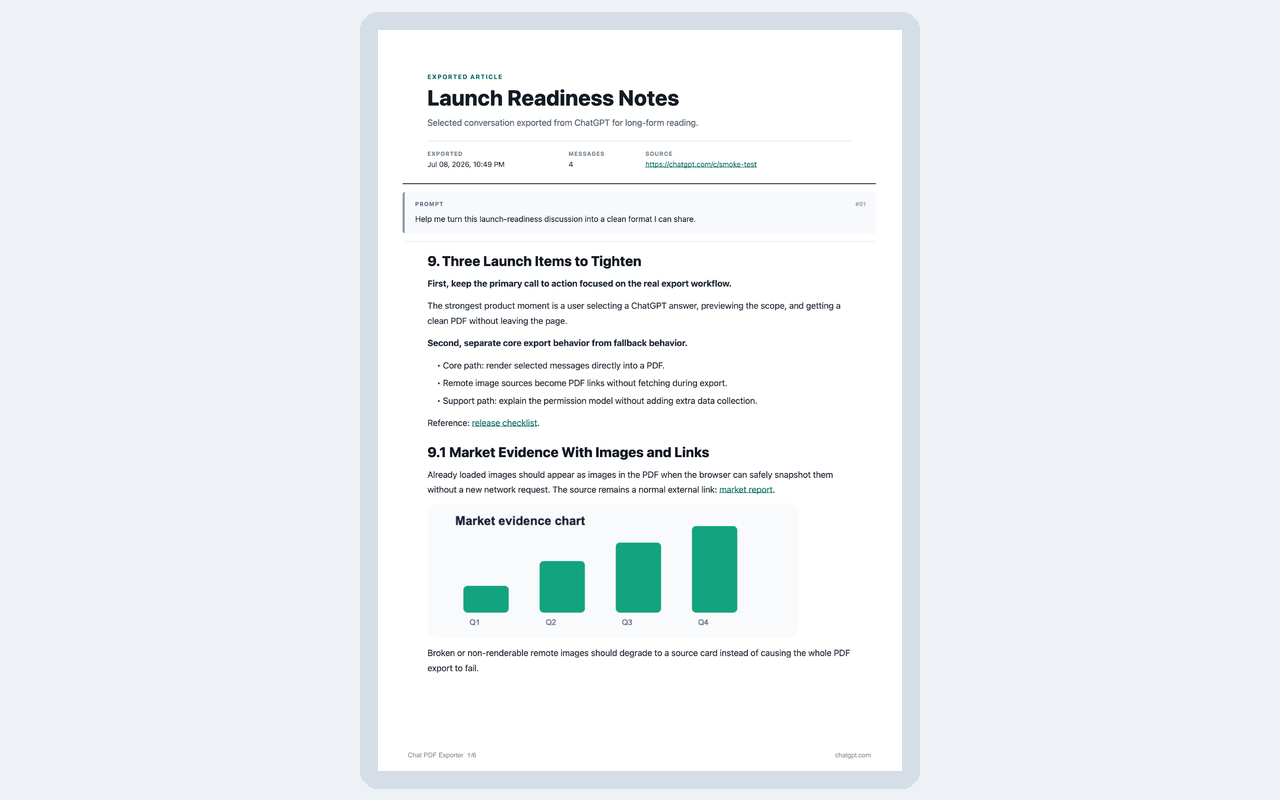
Keep headings, lists, tables, code blocks, links, source cards, math formulas, Mermaid diagrams, and static previews.
The export runs in your browser. The extension does not upload, sync, store, sell, or share your conversations.
Focused controls for real export workflows.
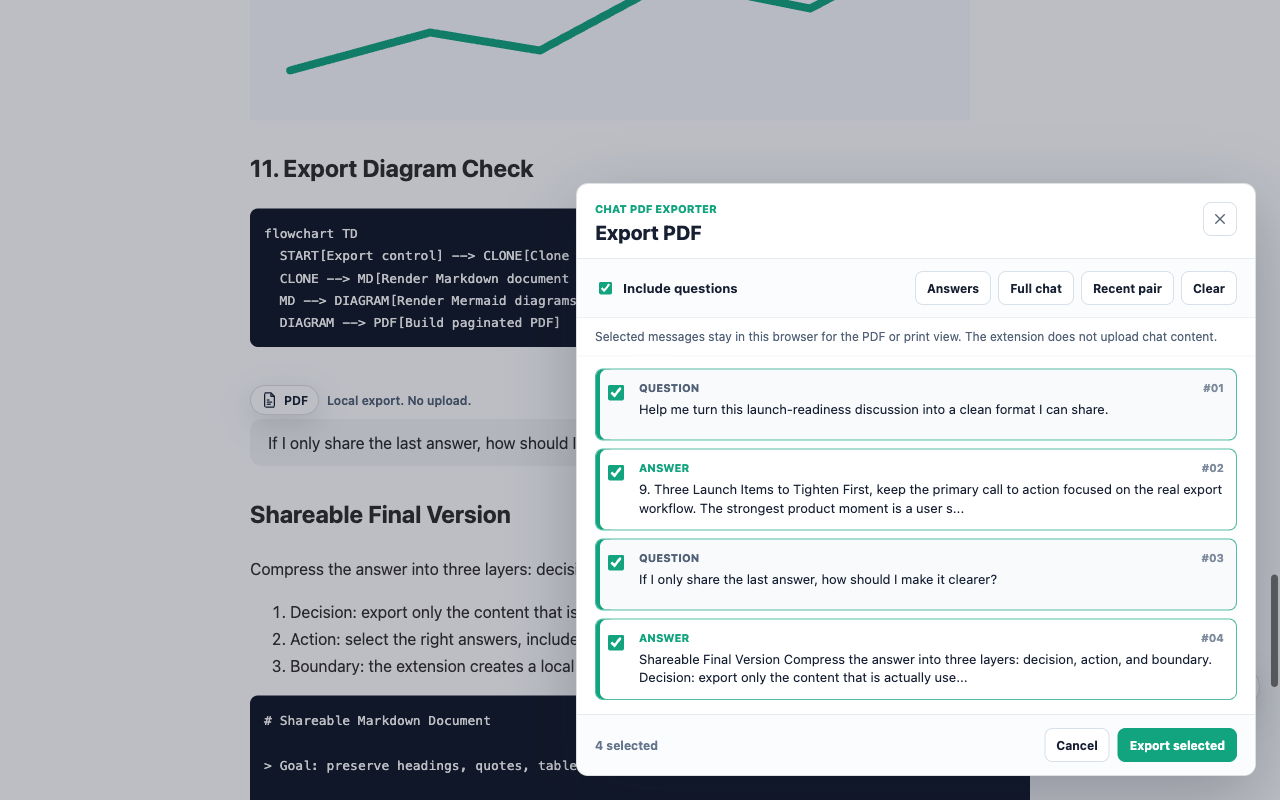
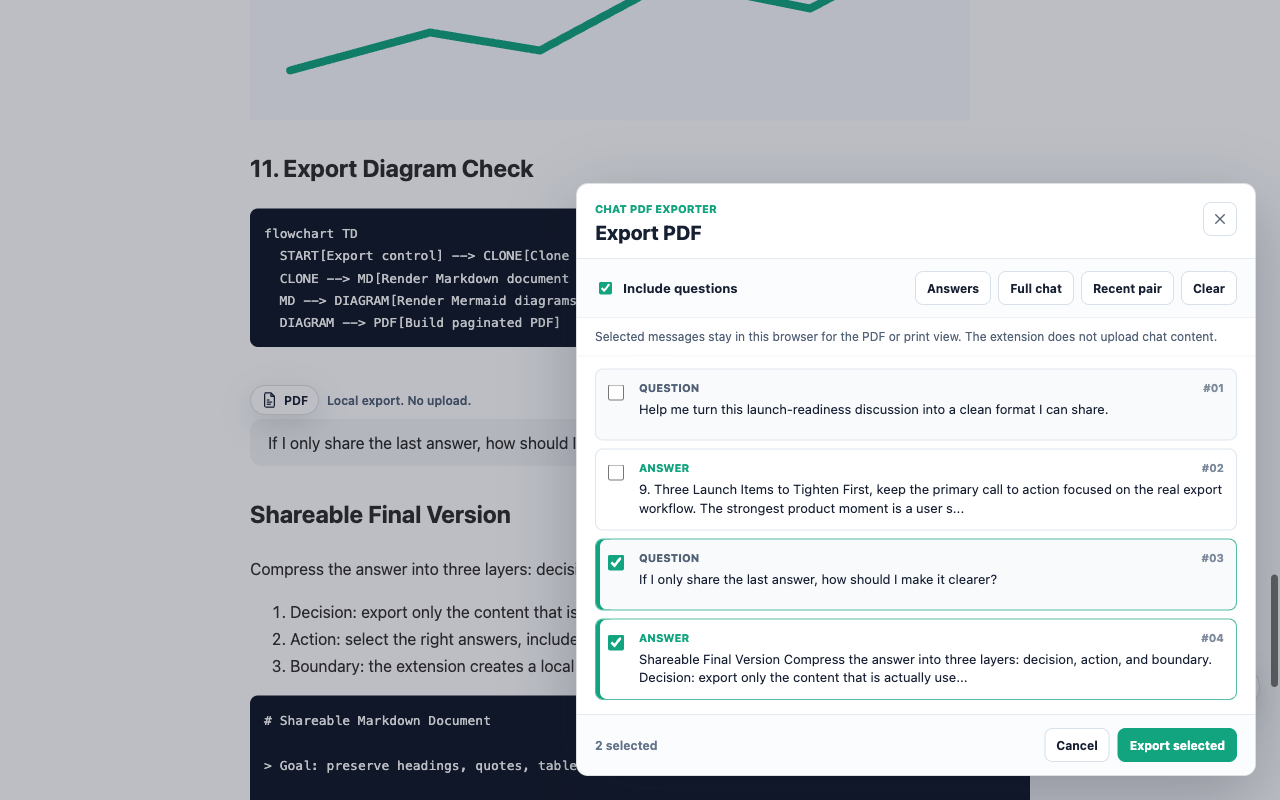
Use the inline PDF button for a single answer, or open the export panel when you need to choose exactly what goes into the final file.
Export assistant answers only, include questions, pick a recent pair, or save the full chat.
Keep readable Markdown, code, math, diagrams, source lists, file cards, and safe static previews.
Remote image, media, and embed URLs are preserved as links instead of being fetched during export.
Open a print view when Chrome blocks direct canvas PDF rendering for page content.
Actual extension screens.
The Chrome Web Store screenshots are generated from a synthetic conversation fixture, so the product surface is visible without exposing private chat content.
Private by design, narrow by scope.
The extension handles selected ChatGPT website content only to create the PDF or print view requested by the user. Its use of user data complies with the Chrome Web Store User Data Policy, including the Limited Use requirements.
- Runs locally in your browser and does not use a remote server for PDF generation.
- Does not collect user data off-device and does not transmit user data.
- Does not store conversations, sell user data, share user data, or use analytics.
- Requests no extension API permissions and scopes content scripts to supported ChatGPT pages.
- Not affiliated with OpenAI.
Install it through Chrome Web Store.
Use the Chrome Web Store install path for the signed extension package. Once installed, open a supported ChatGPT conversation and use the floating Export PDF button or the toolbar popup.
Chat PDF Exporter is not affiliated with OpenAI.